Introduction#
In organizations, using LDAP login very common way for users to log in with their credentials.
How to configure LDAP#
Preparation: Installed LDAP Jenkins plugin
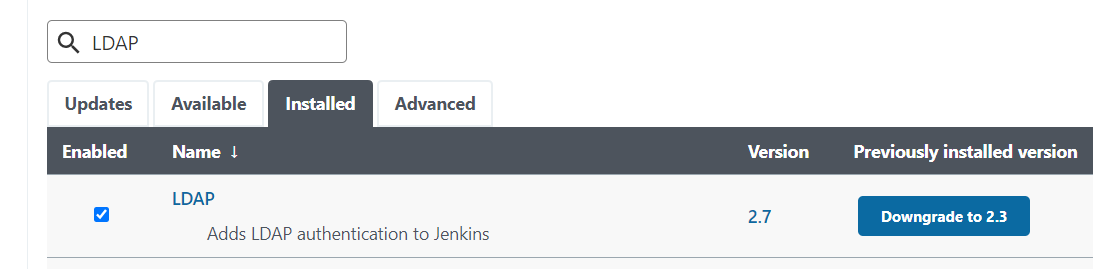
About how to configure it, you can refer to Jenkins LDAP Plugin documentation https://plugins.jenkins.io/ldap/
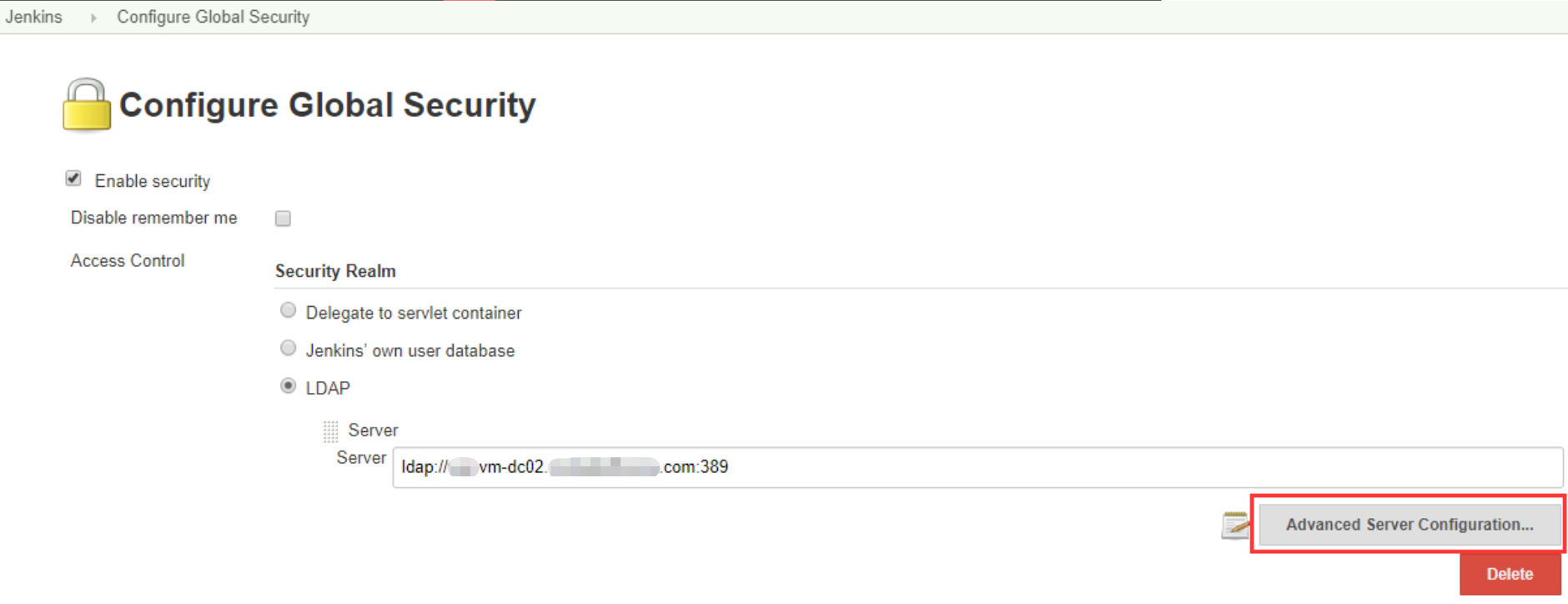
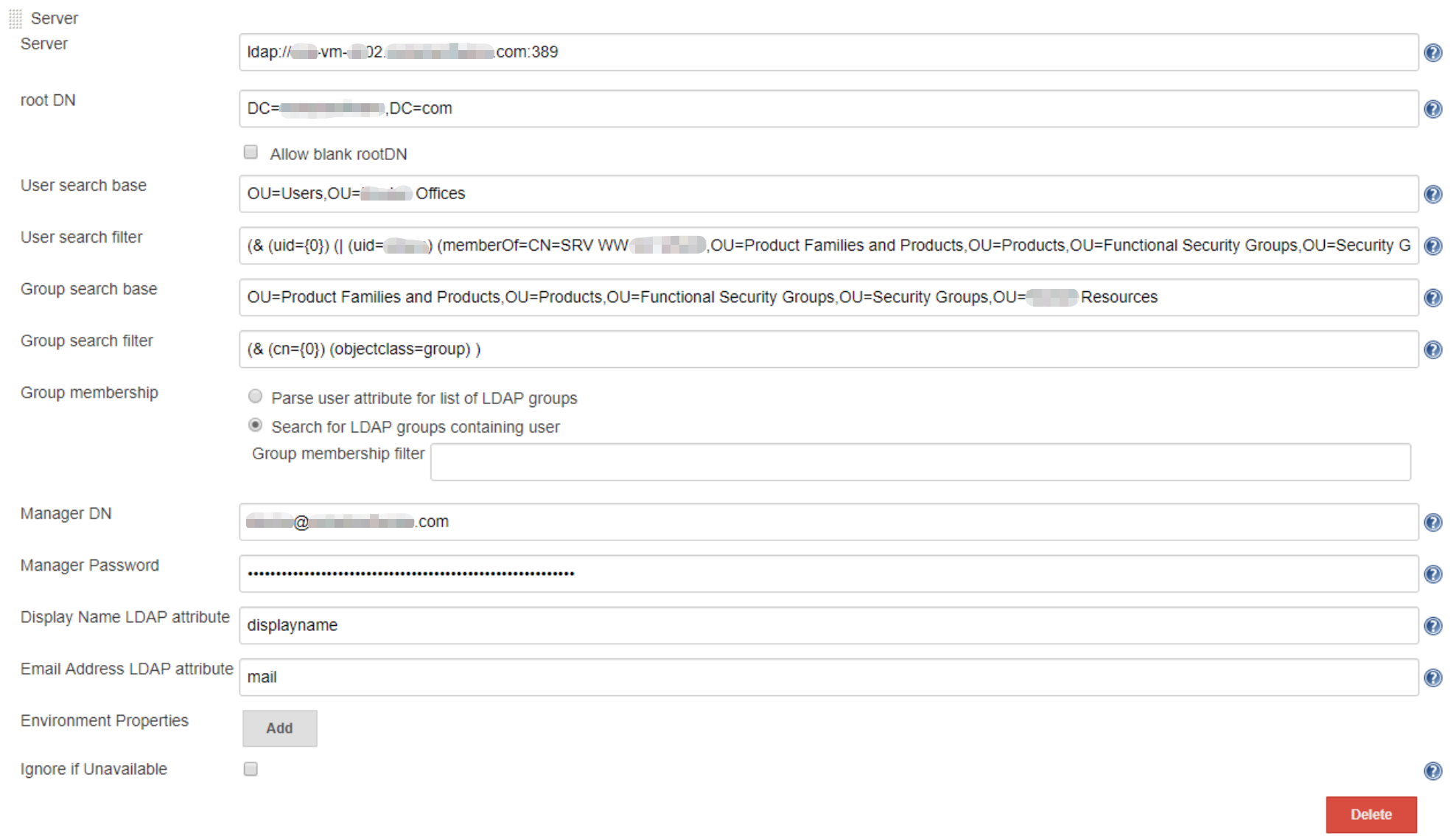
This is my LDAP configuration just for testing.
Can not login with LDAP?#
Sometimes, for some reason, there is a problem with your organization’s LDAP server and you can’t log in to Jenkins using LDAP, but you need to use Jenkins now.
You can disable LDAP authentication by changing config.xml.
# Login, cd to jenkins server folder
$ cd /var/lib/jenkins/

# Highly rememend you to backup config.xml before making any change !!!
# If you don't backup config.xml, you'll lost your LDAP configration after reboot service.
$ cp config.xml config.xml.bak

# Modify config.xml from
<useSecurity>true</useSecurity>
# To
<useSecurity>false</useSecurity>

# Restart Jenkins server
sudo service jenkins restart
Then you can log into the Jenkins server again.
Once your organization’s LDAP works again, you can replace config.xml with your backup config.xml file. Then your users can continue to log in via LDAP.