What’s the problem?#
Today I am having a problem where the Windows installer I created is not installing, and the following Windows installer box pops up.
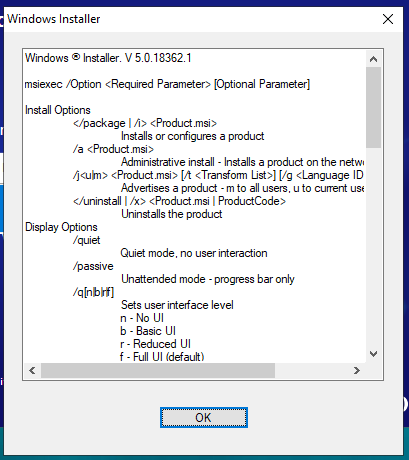
But it works well in the previous build, and I didn’t make any code changes. It is strange, actually fix this problem is very easy but not easy to find.
How to fix it?#
In my case, I just remove the space from my build folder naming. I have made follow mistakes:
My previous build name is v2.2.2.3500-da121sa-Developer, but for this build, I named it to v2.2.2.3500-32jkjdk - Developer
How to find the solution?#
This problem takes me several hours until I google this article which inspired me.
Just like the above article, if I try to use the command line msiexec.exe other-commands ..., compare with the works installer will also quick to find the root cause.
I realized it immediately I should try to remove the spaces from the build folder… Wow, the installer back to work.
If this happens to you, I hope it also works for you, and leave a comment if it works for you.