Problem#
Sometimes my Windows server 2012 R2 has RDP connect problem below:
The remote session was disconnected because there are no Remote Desktop client access licenses available for this computer.
Please contact the server administrator.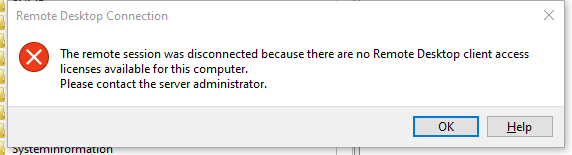
How to Fix#
You could log in to the vSphere Web Client if you have via console or have some other way to log in to the machine.
Open regedit.exe and navigate to
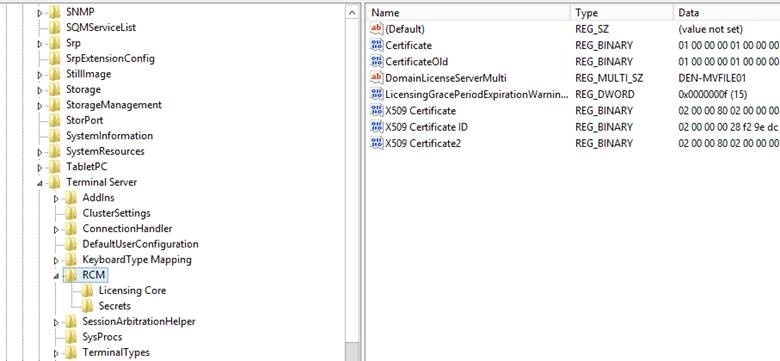
Search and Delete
LicensingGracePeriodandLicensingGracePeriodExpirationWarningDaysIf deletion failed, this failure message appears
unable to delete all specified values, you need change permission. Refer to the related videos on YouTuBe.Reboot the system if it is still doesn’t work.
In my case, every 90 to 120 days, the RDP end of grace period shows up, this is not the final solution. please let me know if you have a better solution.
Finally, thanks to Bill K. shared with me the above solution.